

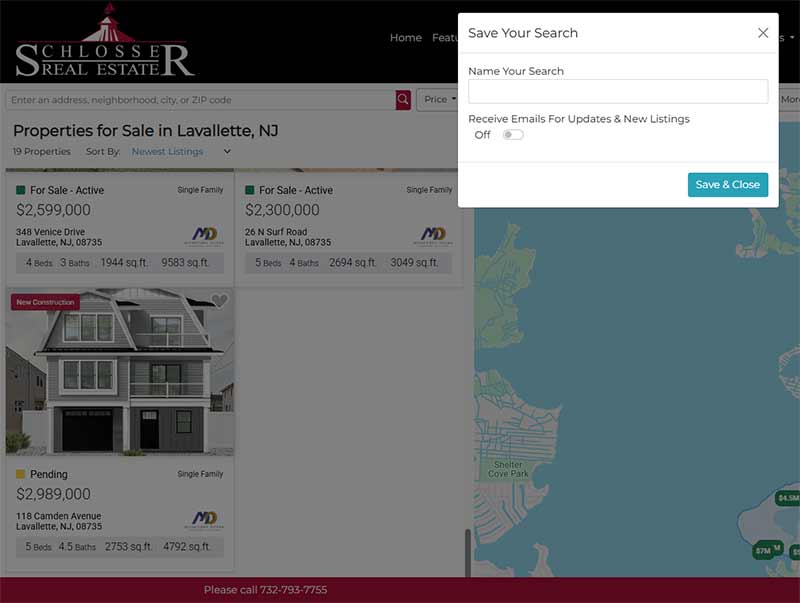
Here are instructions to use our Home Sale Property Organizer. It is very simple. First, the Organizer is a great tool that will keep you updated (almost instantly) by email with new listings as they hit the market or listings you have saved.
You can “Favorite” listings so that they are easily accessible to you inside the Property Organizer.
Instructions: Visit our Home Sale Page. Enter a location or town name. If it pops up when typing, click on it. It will automatically populate the Map and the list with all available homes for sale. You can further refine your parameters using the top menu. If you click “Save Search”, it will allow you to enter your email to login or create a new account. Enter the required info to create your account or enter your password.
Once you are logged in, click “Save Search” if it is not open, and name your search. Click the button to “Receive Emails For Updates & New Listings”. Then choose one of these three. (Instant, Daily, or Weekly). You will then get emails for any new listings or updates that meet your saved search criteria.
Save the page above so you can easily return to your Property Organizer. Or visit Sre1.com.
